About this extension
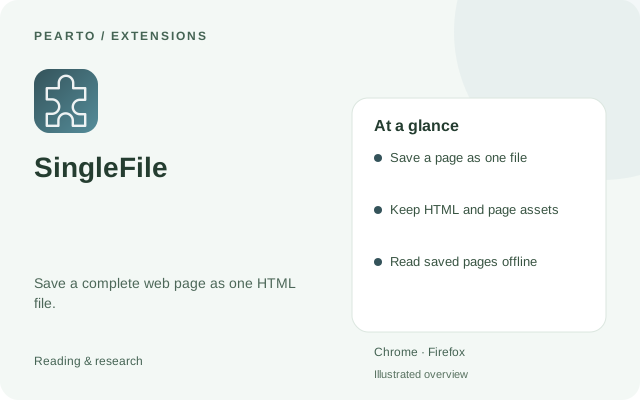
Create a self-contained HTML copy of a web page for offline reading. The project repository provides browser store links and usage documentation.
Archive a page in a self-contained HTML document that you can open later. It is useful for saving reference material without keeping a separate folder of page assets.
Key features
- Save a page as one file
- Keep HTML and page assets
- Read saved pages offline
How to install
- Select Get extension to open the official project or publisher page.
- Choose the listing for your browser and add the extension.
- Open the page you want to keep and use SingleFile to save its HTML file.
Requirements
Desktop Chrome or Firefox.
Good to know
A saved file captures a page at a point in time. Live application features and protected content may not be preserved.