About this extension
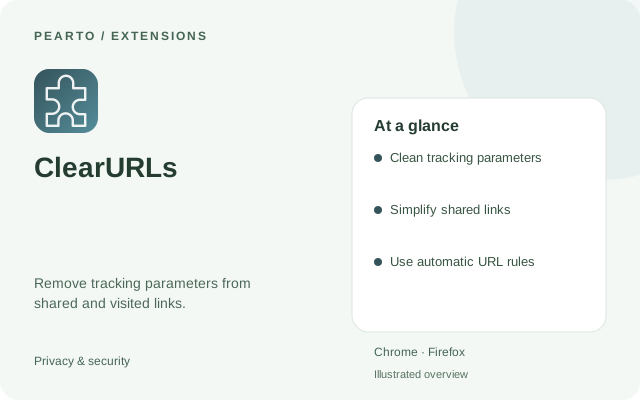
An open-source extension for cleaning tracking elements from URLs. Find supported browser listings and documentation in the project repository.
Use it to remove unnecessary tracking elements from supported URLs while browsing. Its rules also help keep links you copy and share shorter.
Key features
- Clean tracking parameters
- Simplify shared links
- Use automatic URL rules
How to install
- Select Get extension to open the official project or publisher page.
- Choose the listing for your browser and add the extension.
- Visit a supported link and check the cleaned address; adjust settings when needed.
Requirements
Desktop Chrome or Firefox.
Good to know
Some sites depend on URL parameters. The project documentation explains site rules and exceptions.