About this extension
The browser extension connects to your Bitwarden vault. Choose your browser from the official download page; an account is needed for vault synchronization.
Keep logins in one vault and fill them from the browser toolbar. The extension also includes a password generator and works with your Bitwarden account across supported devices.
Key features
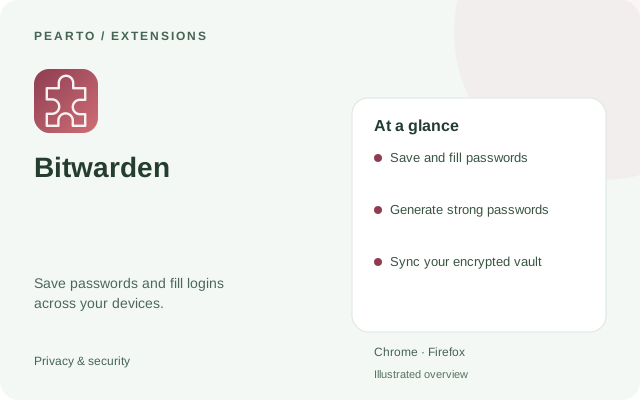
- Save and fill passwords
- Generate strong passwords
- Sync your encrypted vault
How to install
- Select Get extension to open the official project or publisher page.
- Choose the listing for your browser and add the extension.
- Sign in to your Bitwarden account, then add a login or generate a password.
Requirements
Desktop Chrome or Firefox.
Good to know
A Bitwarden account is needed for a synchronized vault. Some advanced services require a paid plan.